Creation of a First API
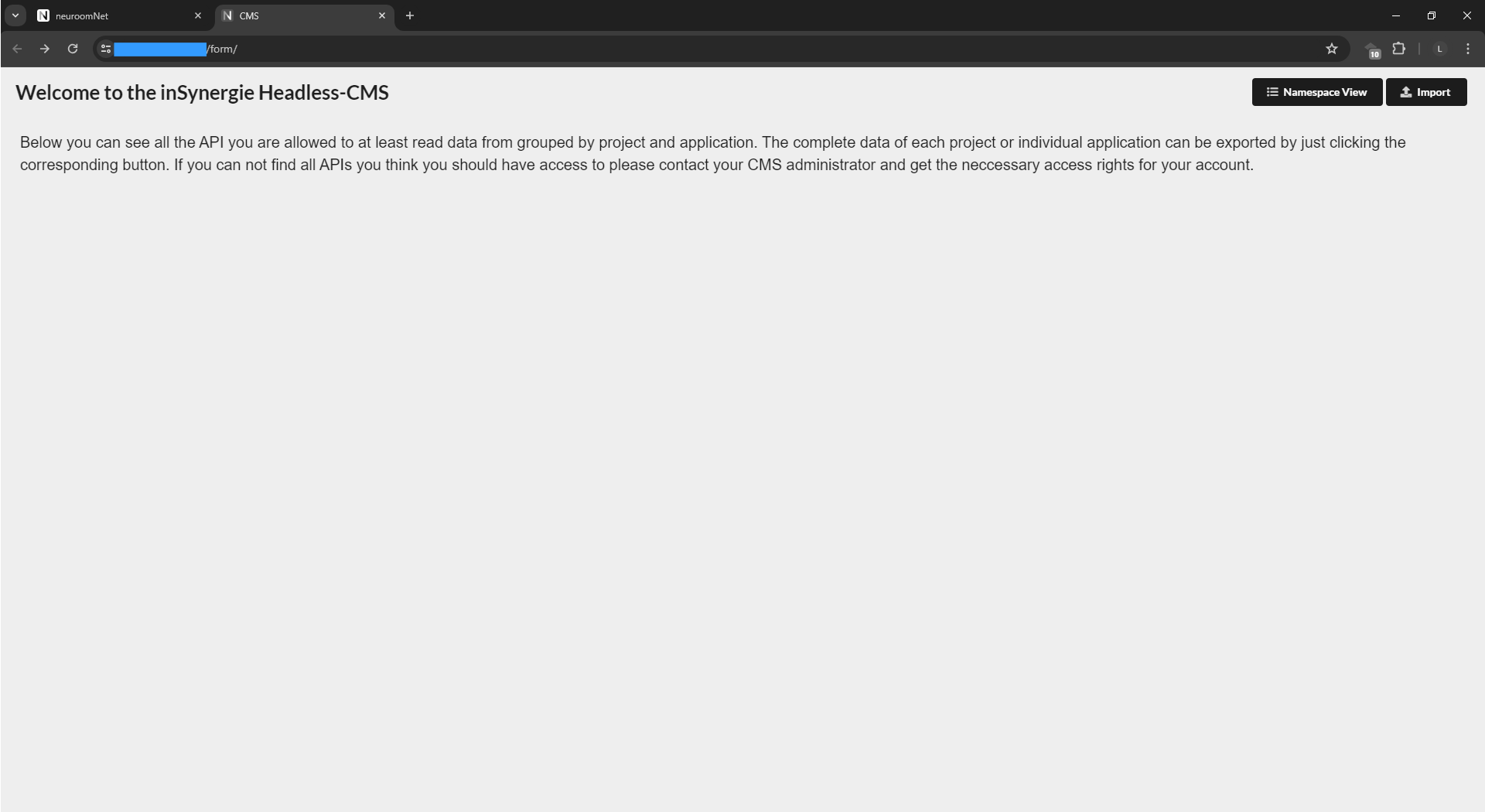
When logging into the generic maintenance interface /form it shows nothing at first, as no API has yet been defined:
With an HTTP POST to /schema/tutorial/stringonly an API stringonly is created in the namespace tutorial. The object class should contain only a single field 'name' of the type 'string' ("type": "string") which must contain between 4 ("min": 4) and 40 ("max": 40) characters.
The generic interface receives a hint that this property should appear in the table view ("column": true). All this is described by the JSON that is sent to the CMS:
{
    "application": "Tutorial",
    "label": "Hello World",
    "project": "NeuroomNet-CMS Tutorial",
    "tags": [],
    "fields": {
        "name": {
            "cms": {
                "column": true
            },
            "type": "string",
            "min": 4,
            "max": 40
        }
    }
}
The attribute values for application and label in the JSON file are purely display names for the CMS frontend (or other applications that evaluate these fields accordingly):
application: Display name for the namespace for the CMS frontend. In this example, the display name of the namespacetutorialcontained in the HTTP request isTutorial(with a capital letter at the start).label: Display name for the API / Collection for the CMS frontend. In this example, the display name of the APIstringonlycontained in the HTTP request isHello Worldproject: Project in the Projects View to which the combination of namespace and API is to be assigned.
Important: If one or more of these fields are missing when defining an API, the collection will most likely not appear in the Projects View in the CMS frontend (it is then only accessible there via the Namespace View).
This JSON file can for example be sent to the CMS via command line as follows (a corresponding user is naturally required here and the JSON file above must exist as a file Request1.json):
curl -X POST -H "Content-Type: application/json" --user "<myuser>":"<mypassword>" -d @Request1.json https://<url>/schema/tutorial/stringonly
After a page reload, the namespace and the API appear correspondingly in the CMS frontend (via the project view or namespace view) and the collection can be inspected after mouse click:
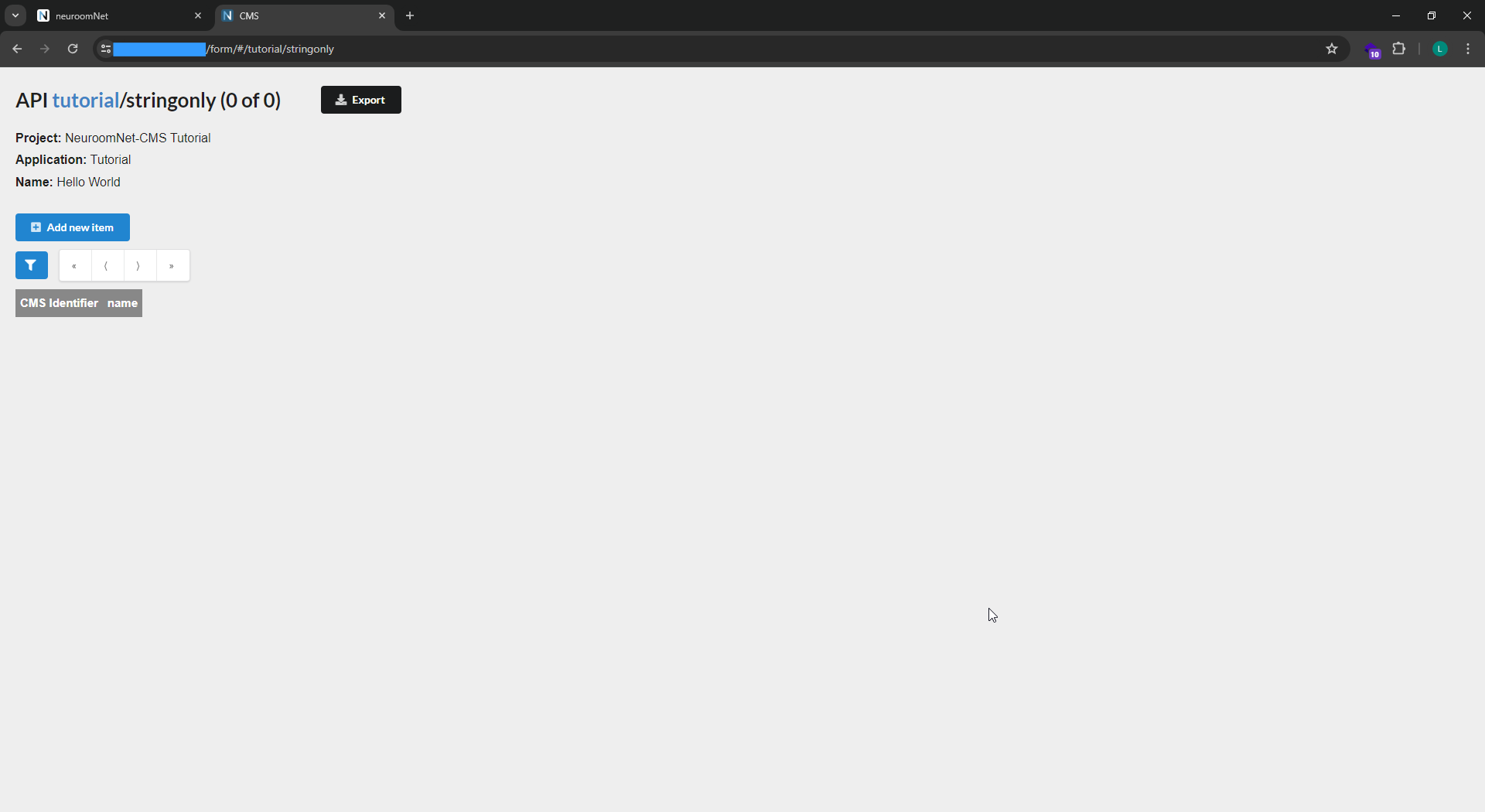
The collection stringonly is of course still empty. So we now add a record via the CMS frontend (button "Add new item", enter a corresponding name in the popup and save):
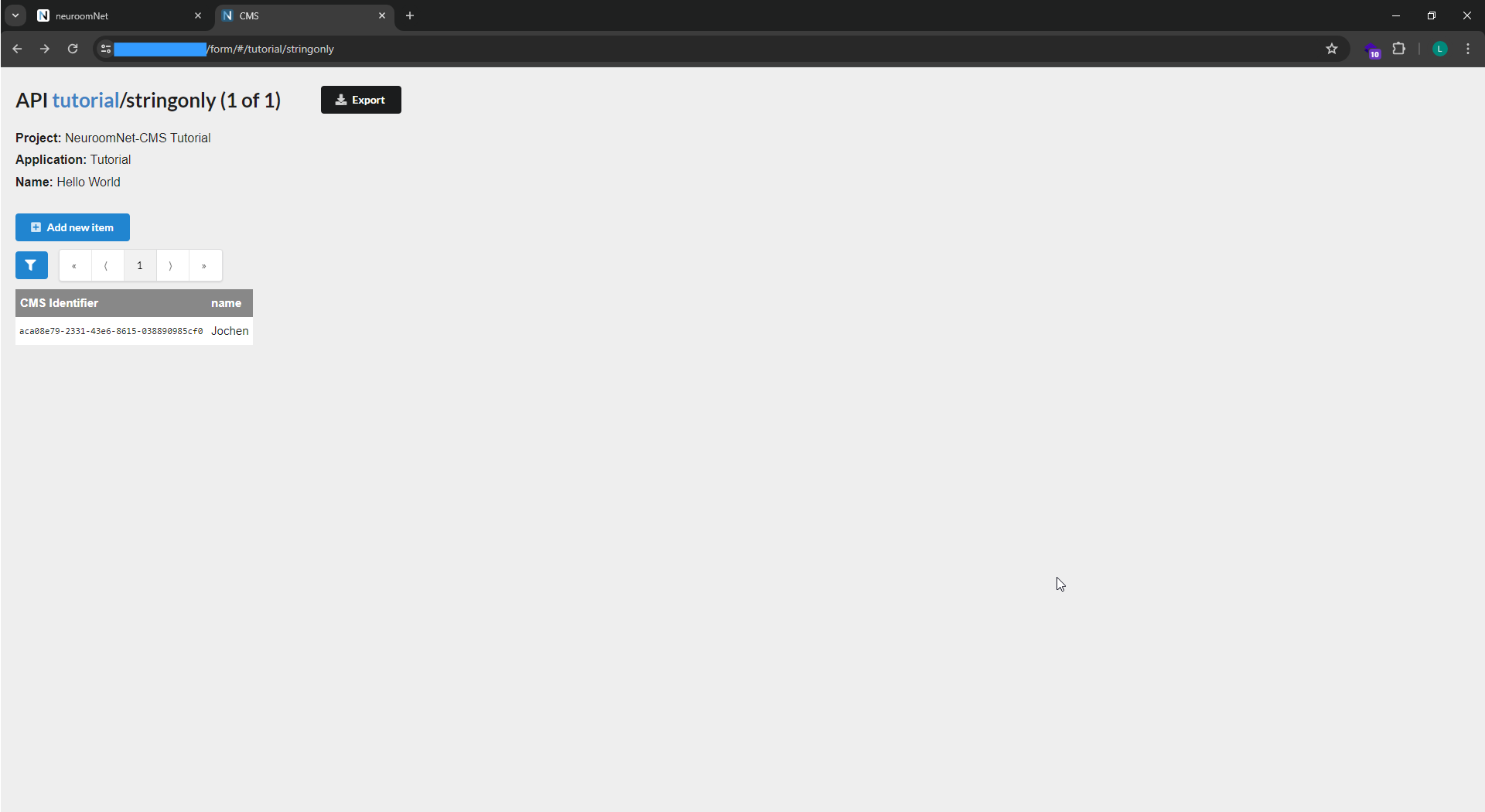
All CRUD operations on an API can also be performed via HTTP/POST. Therefore a new record can be created with a POST to /data/tutorial/stringonly using the following curl request via command line:
curl -X POST -H "Content-Type: application/json" --user "<myuser>":"<mypassword>" -d @Request2.json https://<url>/data/tutorial/stringonly
The associated JSON file "Request2.json" has the following content:
{
    "name": "Nicolas"
}
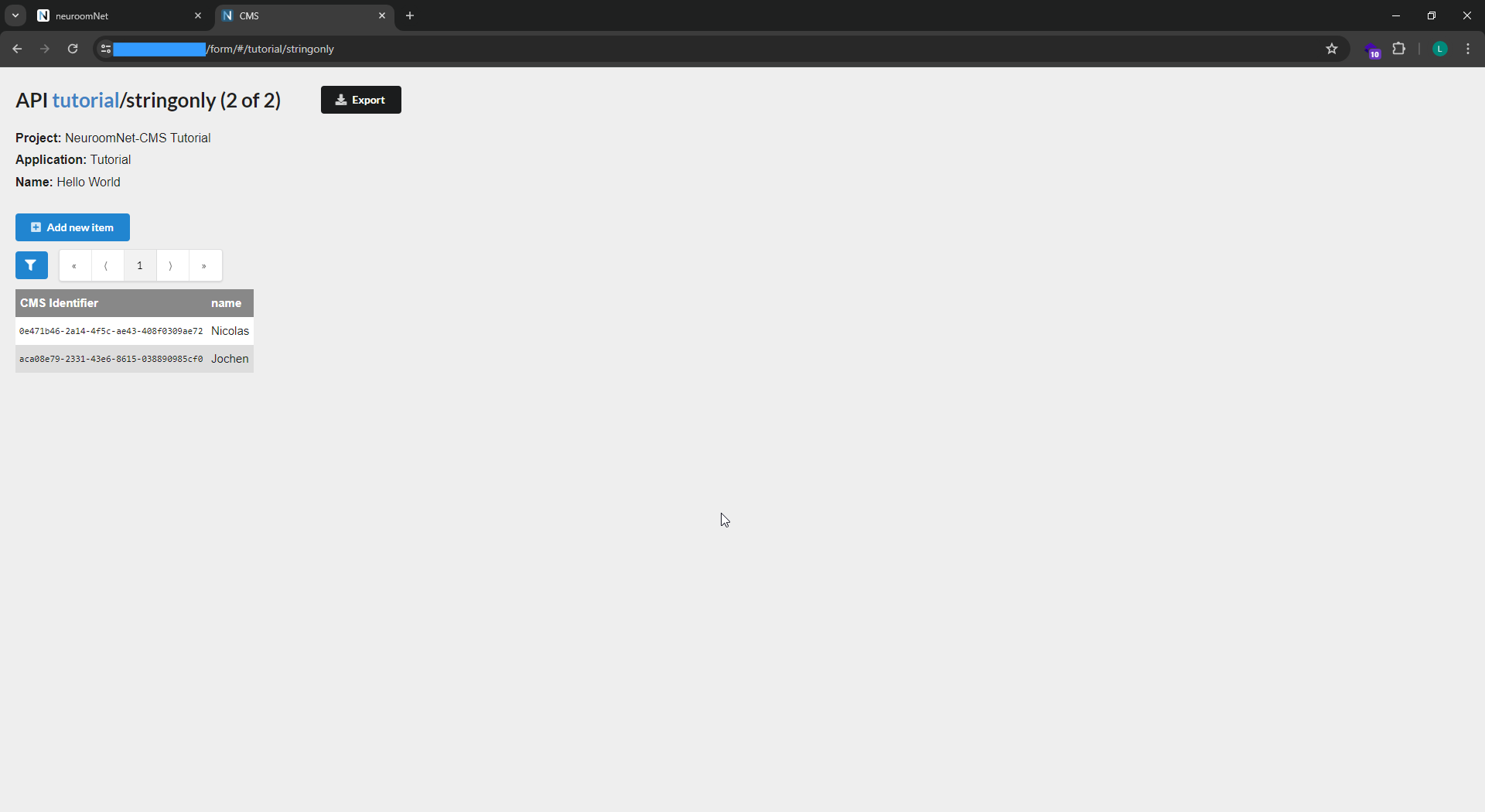
After reloading the website / CMS frontend ...form/#/tutorial/stringonly, the record for "Nicolas" is visible:
Note that
- Data CRUD requests are sent to
...data/namespace/api, - Schema change requests are sent to
...schema/namespace/api, and - the (optional) CMS frontend is normally available at
...form/#/....