Map tab
In the Setup module, a group can
- be assigned a map (more precisely, this map is technically an image / graphic file) and / or
- also be located in the map of the parent group
If a group is located accordingly (directly or a parent group in the transitive sense), then after selecting the group on the left side 1 the corresponding map incl. position of the group is displayed 2:
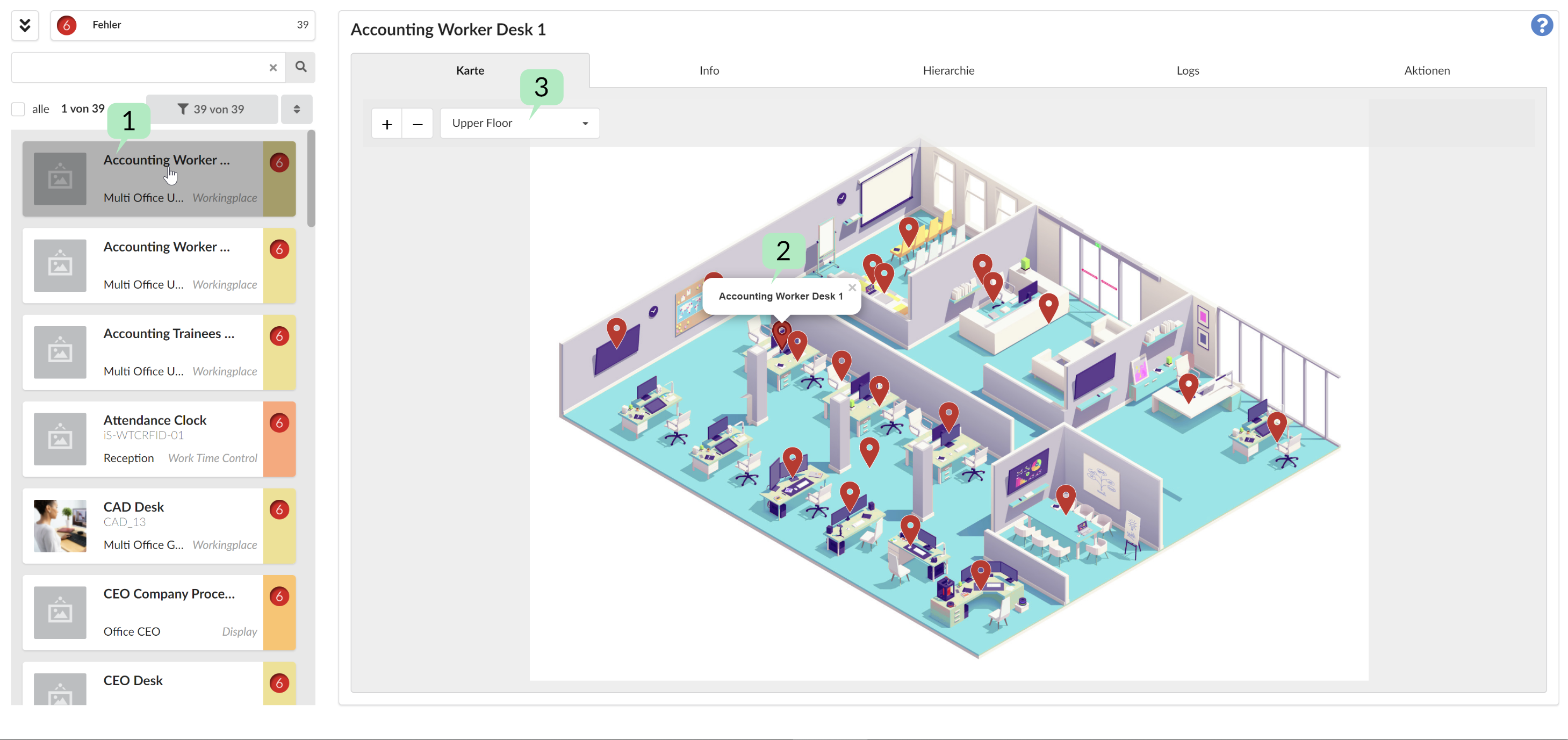
Conversely, you can browse through the individual cards and see and select the corresponding groups located there 3.
Note: Only groups can be located in maps (via the Setup module), not components themselves. Components, if they are part of groups, are also located by the group.